

Note: Routing rules for payouts are distinct from payments. Configuring one does not affect the other.
Getting Started
Routing rules can be configured using Pesaswap’s dashboard (beta feature) or via APIs. We will be using Pesaswap’s dashboard as it provides a simple, intuitive UI for configuring these rules. Routing rules can be set up in two ways:- Via Pesaswap Dashboard (Recommended - easy UI)
- Via APIs
Pre-requisites
Before setting up payout routing:- Make sure you’ve integrated at least two payout processors with your Pesaswap account.
- Follow this guide to integrate payout connectors (replace with actual link).
Steps to Configure Payout Routing Rules
Step 1: Go to Payout Routing Section
- Navigate to: Workflow → Payout Routing
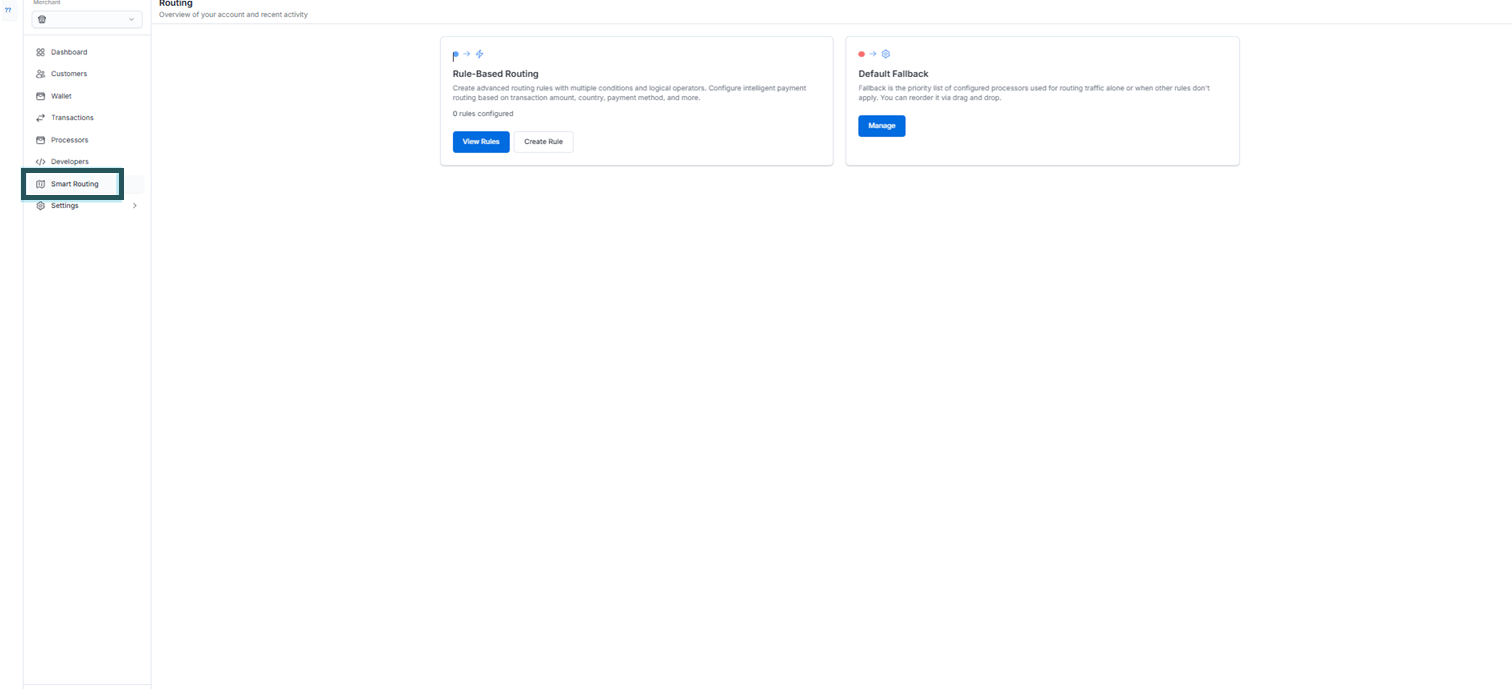
Step 2: Choose Routing Rule Type
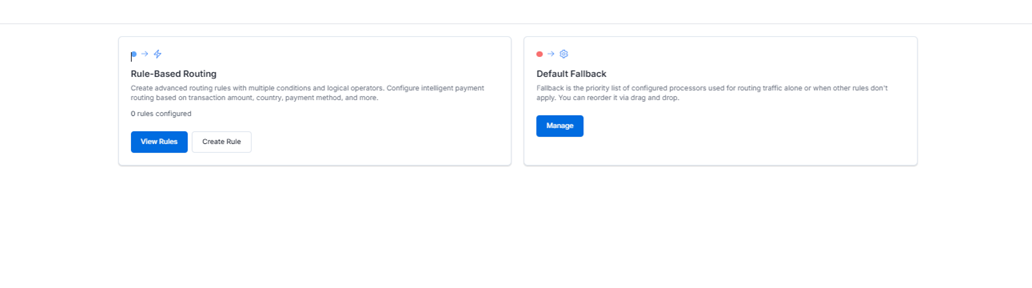 You can choose from three available routing strategies:
Click on the desired type to configure.
Step 3: View Existing Rules
All your created routing rules will be visible on the main page of the Payout Routing section.Step 4: Activate a Routing Rule
- Only one routing rule can be active at a time.
- To activate, select a rule, then click “Activate Configuration.”
Step 5: No Rule Active?
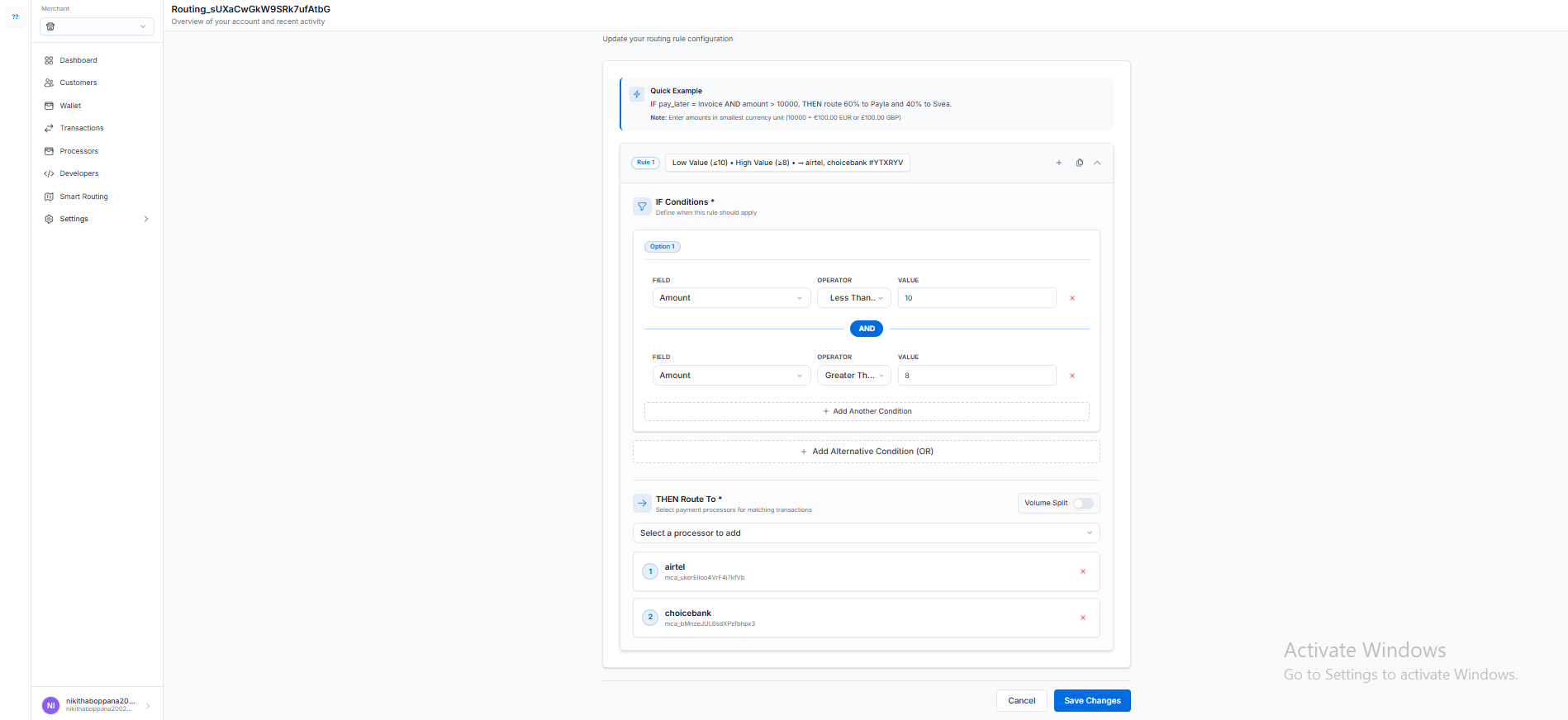 If no custom rule is activated, Pesaswap will route payouts using the Default Fallback Priority, which is the order in which connectors are listed.